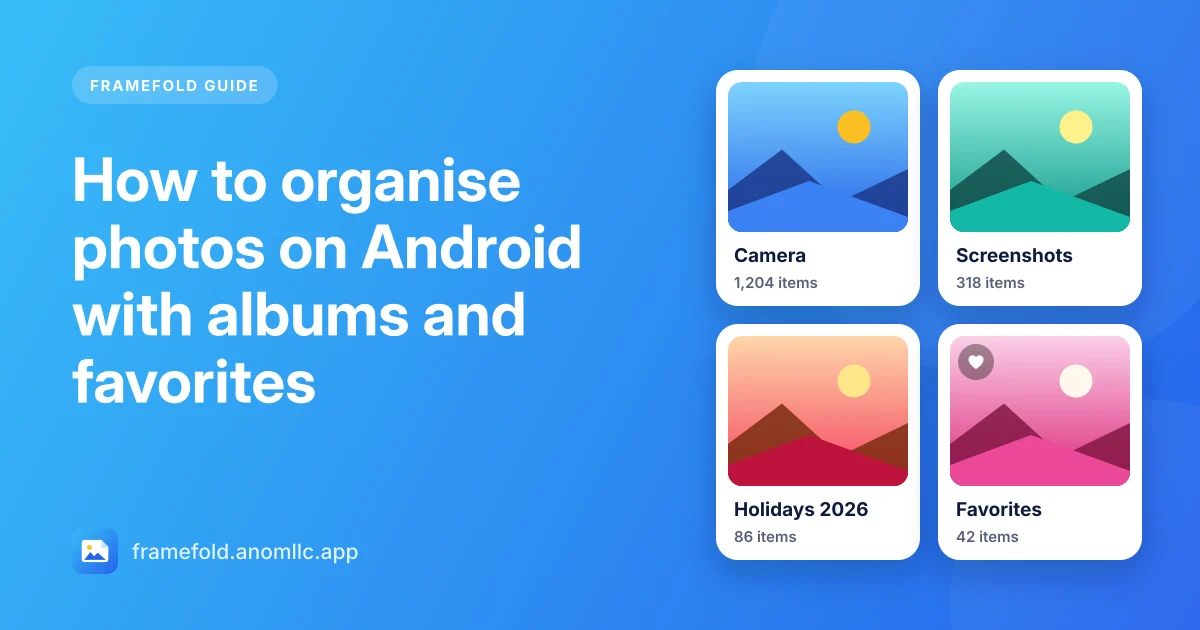
Most phones end up with thousands of photos in one long timeline: camera shots, screenshots, memes from chats and downloads all mixed together. The good news is that Android already sorts them into folders, and a gallery shows each folder as an album. Once you know how that works, a few habits keep everything easy to find.
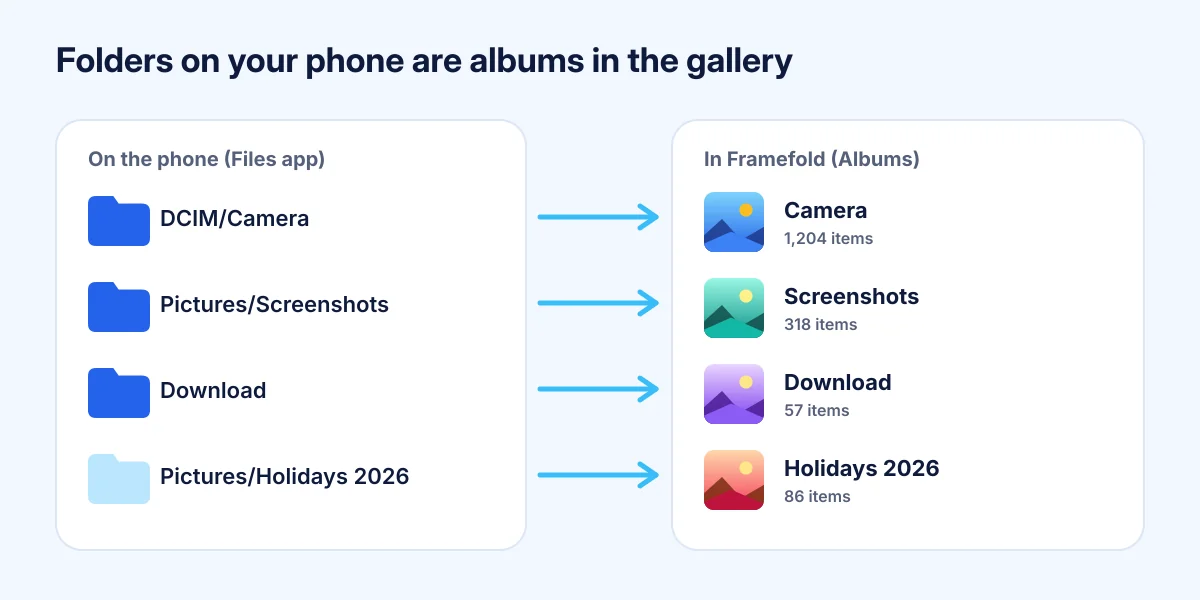
How albums work on Android
On Android, an album in a gallery app like Framefold is simply a folder on your phone:
- Your camera saves to DCIM/Camera, which shows as the Camera album.
- Screenshots go to Pictures/Screenshots (or DCIM/Screenshots on some phones).
- Images you download go to Download.
- Chat apps and other apps save into their own folders.
Because albums are folders, they work in every app and on your computer too, and nothing is lost if you change gallery.
Find your way around the albums
Open the Albums tab in Framefold. At the top you'll find Favorites, Videos and the Bin; below them, every folder that has photos or videos. Tap the sort button at the top to order them by Most recent, Name or Most items. "Most items" quickly shows which folders are taking over your phone.
Make a new album
To make an album like "Holidays 2026":
- Open your phone's Files app (or any file manager).
- Go to Pictures and create a new folder with the name you want.
- Select the photos you want in the Camera folder and Move (or Copy) them into the new folder.
The new album appears in Framefold by itself within a few seconds. Moving keeps one copy; copying keeps both, which uses twice the space.
Keep your best photos in Favorites
Favorites are the quickest way to collect the photos you want to find again, without moving any files:
- Open a photo and tap Favorite (the heart) at the bottom.
- Or press and hold a photo in the grid, tap the others, then tap the heart at the top to add them all.
A small heart then marks them in the grid, and Albums > Favorites shows them together. Favorites are only a mark kept by Framefold on your phone; the photos stay where they are.
Find photos by date or name
The Photos tab groups everything by day, with Today, Yesterday and the date above each group. To jump to a day, use Search: most camera apps put the date in the file name (like IMG_20261105_143210.jpg), so searching 20261105 finds everything from 5 November 2026. You can also search an album name, like screenshots.
Pinch the grid with two fingers to see more photos per row when you're looking for something, and fewer when you want to see them bigger.
Clear out what you don't need
A tidy gallery is mostly a smaller one:
- Screenshots pile up fast. Open the Screenshots album, press and hold the first one, tap Select all at the top, then untick the ones you want to keep and tap Delete.
- Chat downloads are often memes and forwarded pictures. Check those albums once a month.
- Near-duplicates: when you took five shots of the same moment, keep the best one.
Deleted photos wait in the Bin for 30 days on Android 11 and newer, so you can take them back. When you're sure, empty the bin to get the space back (how to free up space).